Good Initial Proposals in exocad Design Software
December 24, 2018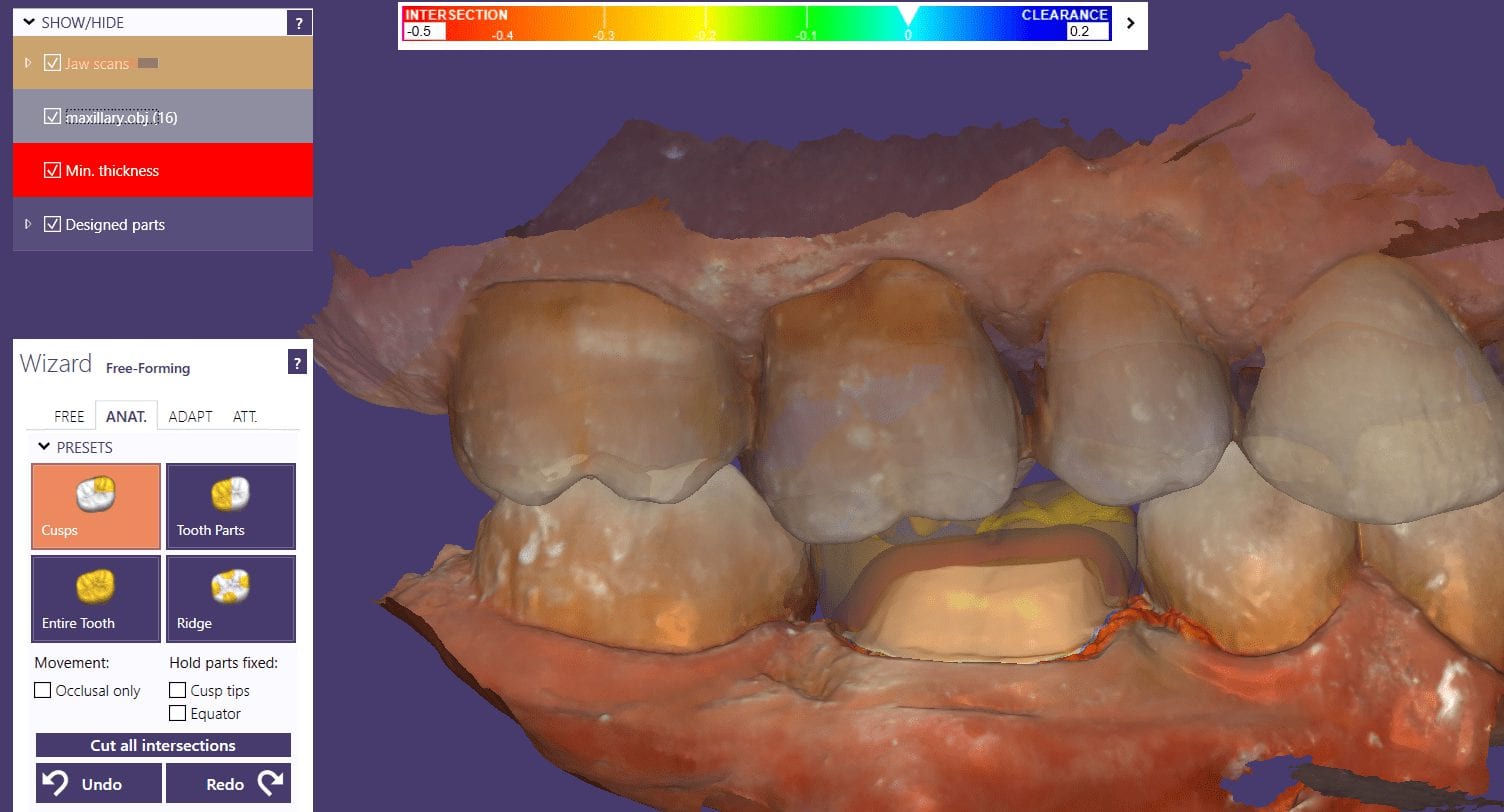
When imaging a preparation, all you really need for a restoration to “fit’ is the contact area of the adjacent teeth (above the height of contour) and the opposing occlusal surface.
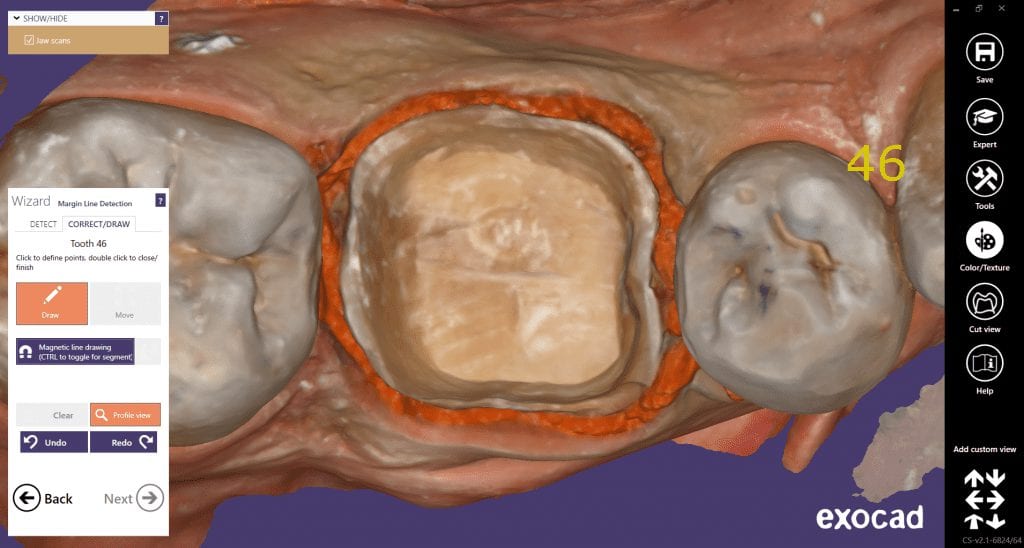
But the more you feed the computer aided design software the less work you have to do in the design of the restoration. For example, in the video below, you can see how the software automatically recognizes the adjacent teeth and a great initial proposal is rendered.
However, if you don’t capture all the data in the adjacent teeth, you will have to manually plot the adjacent teeth and spend more time in the design steps.